
How IT Solutions Help Small Businesses Grow

How IT Solutions Help Small Businesses Grow
Small businesses waste hours every week moving data between disconnected systems, chasing down files, and fixing avoidable technical problems. The right IT solutions for businesses eliminate that waste by connecting tools, automating repetitive work, and protecting the data the business runs on. This guide explains how to identify the problems technology can actually solve and what to look for when choosing a provider.
Key Takeaways - Disconnected systems and manual data entry are the most common productivity drains for growing businesses. - Cloud access, basic cybersecurity, and a CRM are foundational layers that support almost every other improvement. - Automation should target a specific, repeatable workflow: not a vague desire to "modernize." - Managed IT services become cost-effective once internal troubleshooting regularly pulls staff away from core work. - Choose a provider who explains technical decisions in business terms and maps solutions to your actual bottlenecks.
Why Disconnected Systems Slow Growth
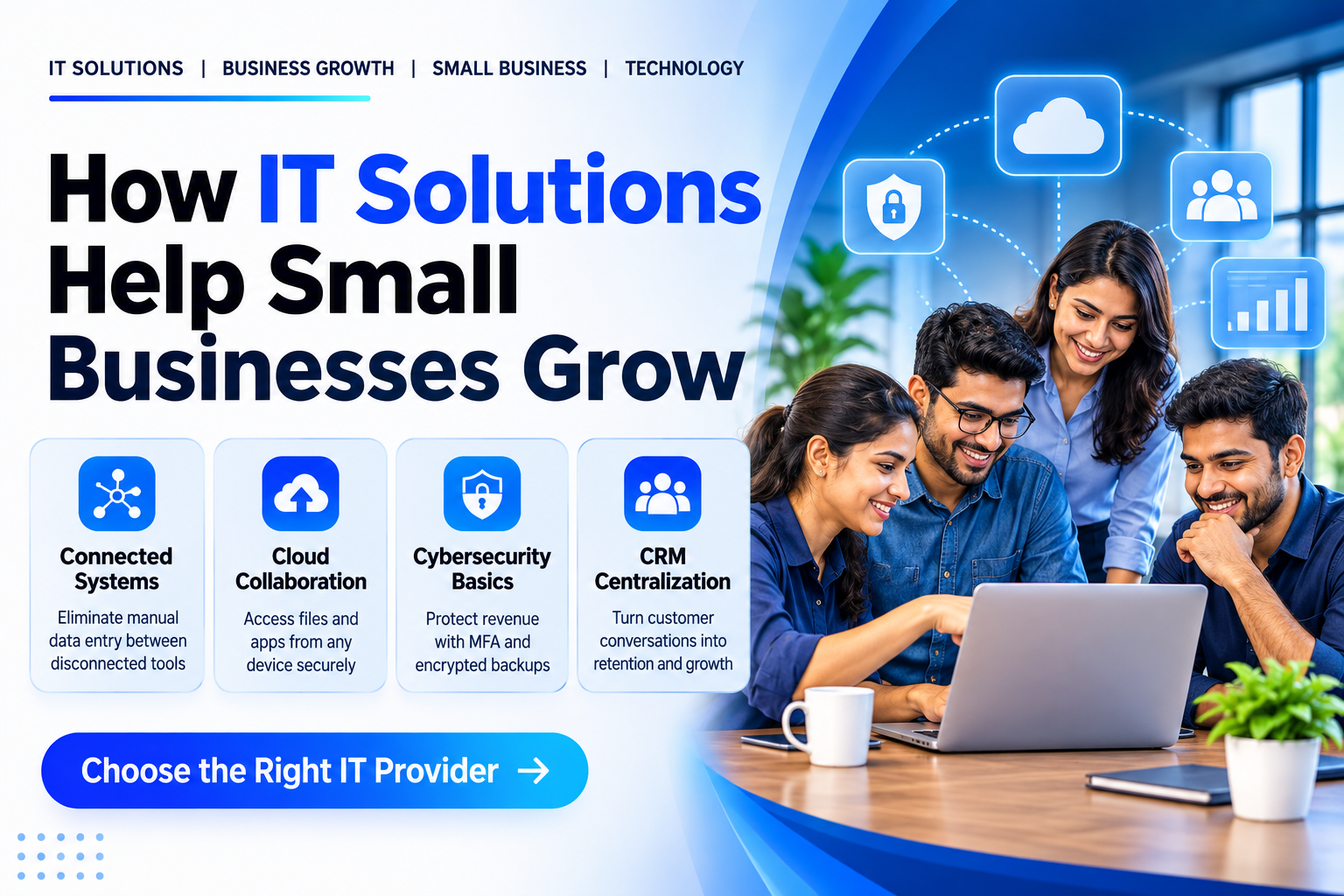
When customer details live in a spreadsheet, invoices sit in accounting software, and leads arrive through a website form that nobody checks, the business operates on fragmented information. Staff duplicate effort, errors compound, and no single view of the customer exists. Connecting these systems (or replacing them with an integrated platform) lets information flow once from source to destination. For example, a wholesaler receiving orders through a website, email, and WhatsApp can route every order into one order-management dashboard, so the fulfilment team sees the complete queue without logging into three tools.
Cloud Access and Collaboration
Cloud services move files and applications off local servers and onto infrastructure maintained by providers such as Microsoft 365 or Google Workspace. Employees can sign in from any device and work on the same documents together, while the business pays for what it uses rather than maintaining hardware. This model scales up or down with headcount, which matters when seasonal demand or project work causes fluctuations. A design studio hiring contractors for a three-month campaign can provision accounts instantly and revoke them when the project ends, without touching a server room.
Cybersecurity Basics That Protect Revenue
Small businesses hold payment records, employee data, and customer details that attackers monetise through ransomware, credential stuffing, or business-email compromise. Multi-factor authentication (MFA) adds a second verification step beyond a password. A password manager generates and stores unique credentials for every service. Automated patching keeps operating systems and applications current. Encrypted backups stored off-site enable recovery without paying a ransom. These controls align with the Information Technology (Reasonable Security Practices) Rules, 2011 and the Digital Personal Data Protection Act, 2023, which require reasonable security practices for personal data. Requirements vary by data type and volume; confirm obligations with a qualified professional.
CRM: Turning Conversations into Retention
A Customer Relationship Management (CRM) system centralises every interaction (enquiries, quotes, support tickets, purchase history) so any authorised employee sees the full timeline. When a returning customer calls, the team knows what they bought, what they asked about last month, and whether a follow-up is overdue. That context shortens response time and increases repeat sales. A Jaipur retailer using a CRM can segment buyers by product category and send targeted restock alerts instead of generic promotions, which can encourage repeat orders.
Automation for Repetitive Work
Business process automation replaces repetitive, rule-based steps with software logic. The highest-return targets are workflows that run frequently, follow predictable rules, and currently consume staff hours. Common candidates include:
- Invoice generation: approved quote → invoice in accounting software → email to client
- Appointment reminders: calendar event → WhatsApp or SMS reminder 24 hours before
- Inventory reorder alerts: stock level threshold → purchase order draft → manager approval
Start with one workflow. Map every step, identify the decision points, and build the automation in a sandbox environment. Test with live data for a few weeks before deploying to production. Measure the reduction in manual handoffs and error rate, not just time saved.
When Managed IT Services Make Sense
If the founder or a non-technical employee spends more than a few hours a week resetting passwords, troubleshooting VPNs (a secure connection to the office network from outside), or applying updates, compare that time with the cost of a managed service provider (MSP). An MSP monitors endpoints (a laptop, phone or other device that connects to your network), manages patches, runs verified backups, and provides a help desk: typically on a fixed monthly fee. This converts unpredictable firefighting into a budgeted line item and frees internal staff to focus on product, sales, or operations. Evaluate providers on response-time commitments, backup verification reports, and whether they document your environment so a transition is possible if the relationship ends.
Choosing IT Solutions for Business Problems
Technology follows a diagnosed problem, not a vendor's roadmap. You'll use this sequence:
- List the friction points: where work stalls, errors repeat, or information is missing.
- Quantify the impact: hours lost, revenue delayed, customers affected.
- Match the problem to a category: cloud access, security, CRM, automation, analytics, support.
- Shortlist providers who specialise in that category and serve businesses of your size.
- Run a pilot on one workflow or department. Define success criteria upfront (e.g., fewer manual steps to create an invoice).
- Review and decide: expand, adjust, or replace based on pilot data.
Avoid buying platforms because they appear on "best-of" lists. A feature-rich ERP (the software that runs stock, orders and accounts) helps a manufacturer with complex bills of materials; it burdens a service firm that only needs project tracking and invoicing.
Common Mistakes to Avoid
- Over-licensing: You pay for seats or modules nobody uses. Audit quarterly.
- Skipping MFA: It's the single highest-impact security control for the lowest effort.
- No backup verification: An untested backup is a hope, not a recovery plan.
- Single-vendor lock-in without an exit clause: Ensure data export formats and API access (the connection that lets two programs exchange data) are contractually guaranteed.
- Treating IT as a project, not a capability: Systems need ongoing governance, not a one-time implementation.
You might also read How AI in Digital Marketing Can Help Businesses Grow in 2026 | Tech Pro.
Website, SEO and Digital Marketing
A website that captures enquiries through clear contact forms or chat widgets turns anonymous visitors into identifiable leads. Being found in local search depends on consistent business listings, relevant service pages, and technical basics such as fast load times and mobile usability. Tracking where leads originate (organic search, referral, paid campaign, direct) lets you double down on the channels that deliver qualified prospects rather than spreading budget across guesswork.
Conclusion
Growth exposes the gaps between what a business does and what its tools support. Closing those gaps with targeted IT solutions for businesses (cloud access, security controls, a CRM, automation, and reliable support) turns operational drag into capacity for sales, product development, and customer experience. Start with the workflow that costs the most time or loses the most revenue. Fix that one, measure the result, and move to the next.
Frequently Asked Questions
What is the first IT investment a growing small business should make?
Enable multi-factor authentication on every account that supports it, migrate email and files to a managed cloud suite (Microsoft 365 or Google Workspace), and implement automated, verified backups. These three steps address the highest-risk vulnerabilities and create a foundation for everything else.
How do I know if my business needs a CRM?
If leads are missed because no one knows who followed up last, if customer history is scattered across inboxes and spreadsheets, or if you cannot segment buyers for targeted outreach, a CRM can help you recover missed leads and cut admin time.
Can automation work without a developer on staff?
Yes. Low-code platforms such as Zapier, Make, or n8n let non-technical users connect common SaaS (software you subscribe to and use online) applications through visual workflows. For complex logic, legacy system integration, or high-volume processing, engage a specialist partner.
What should I ask a managed IT provider before signing?
Ask for their average response time by severity tier, how they verify backup integrity, whether they document your network topology and credentials, what their offboarding process looks like, and whether they have experience with your industry's compliance requirements.
How do I prioritize which workflow to automate first?
Score each candidate on frequency (how often it runs), manual hours consumed, error rate, and rule clarity (how many exceptions exist). Start with the highest-score workflow that has the fewest exceptions.
How Tech Pro Solutions Can Help
For Jaipur businesses facing disconnected systems and manual workflows, Tech Pro Solutions offers Business Process Automation. Our team maps your high-volume manual processes, builds automated workflows using AI agents and API integrations, and deploys them with local support from our Bhamashah Techno Hub office. Book a workflow review with Tech Pro Solutions
Small businesses waste hours every week moving data between disconnected systems, chasing down files, and fixing avoidable technical problems. The right IT solutions for businesses eliminate that waste by connecting tools, automating repetitive work, and protecting the data the business runs on.

Comments (0)