
Document Intelligence: Turning Everyday Business Documents into Useful Information

Document Intelligence: Turning Everyday Business Documents into Useful Information
Documents are part of almost every business operation. Companies handle invoices, purchase orders, contracts, application forms, reports, and customer records on a regular basis.
These documents contain important information, but extracting that information can take considerable time when everything is handled manually.
An employee may need to open a document, locate specific details, enter the information into a spreadsheet, verify the values, and transfer them into another system. When hundreds or thousands of documents need to be processed, this work can become difficult to manage efficiently.
Document intelligence offers businesses a way to simplify parts of this process.
What Is Document Intelligence?
Document intelligence combines technologies such as Optical Character Recognition (OCR), information extraction, document classification, and AI-based processing to identify and organize information from documents.
OCR helps convert text contained in scanned documents or images into machine-readable text. Additional processing can then help identify relevant details, classify the document, and organize information into a structured format.
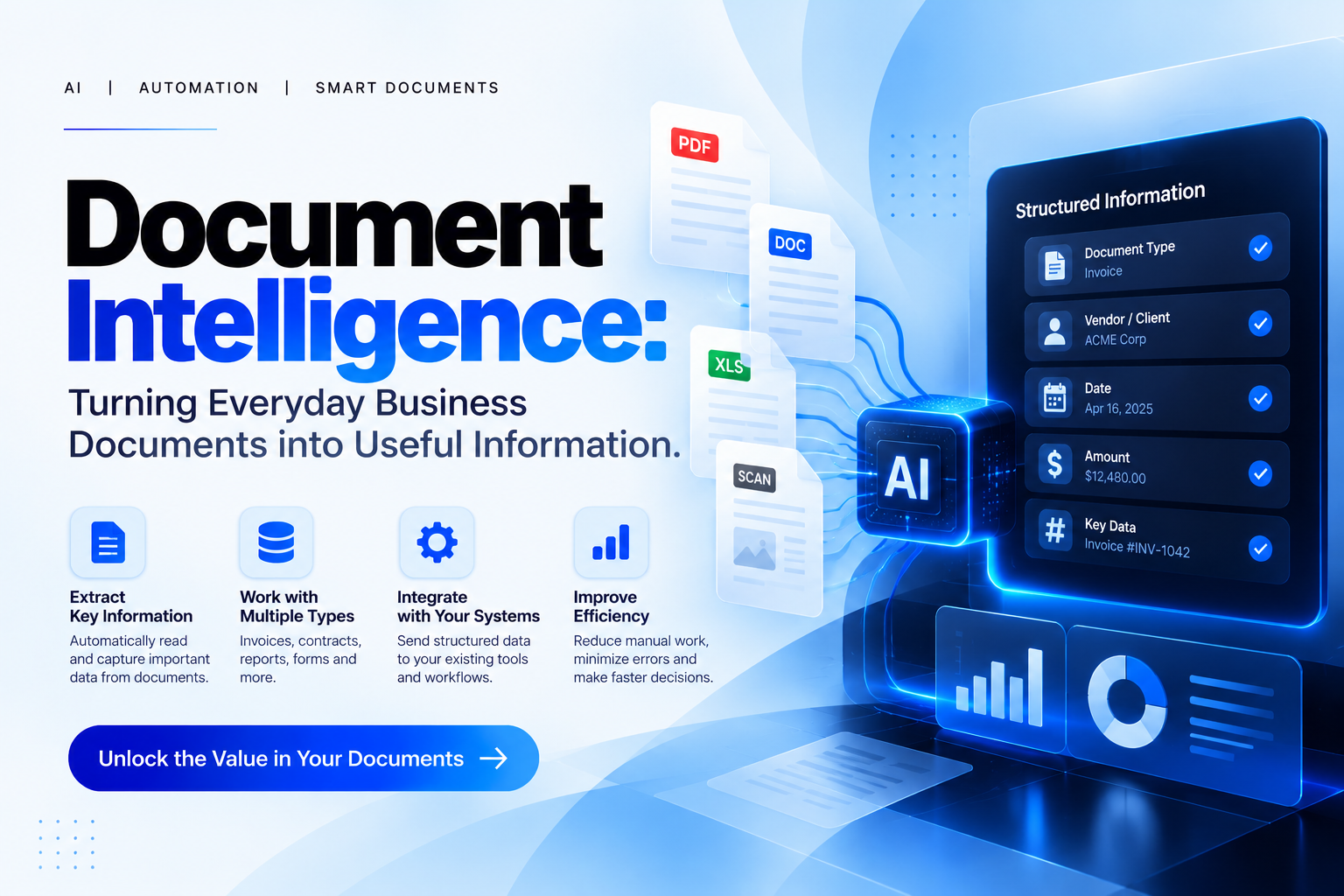
For example, an invoice-processing system might extract the supplier's name, invoice number, date, and total amount. That information could then be checked and transferred into an appropriate accounting workflow.
Similarly, a recruitment company could explore document processing to organize information from application forms, while a logistics business might use it to process selected shipping documents.
The objective is to reduce unnecessary manual work and make business information easier to manage.
Why Businesses Should Consider Document Intelligence
1. Reducing repetitive data entry
Employees often spend time copying information from documents into other systems. Automated extraction can reduce this effort for suitable document types.
2. Making information easier to organize
When document information is converted into structured data, it can be easier to search, sort, review, and transfer.
3. Supporting faster processing
Automating selected steps may help businesses process routine documents more efficiently, especially when the volume of documents is high.
4. Improving workflow consistency
A defined document-processing workflow can help ensure that information is handled according to consistent procedures.
5. Allowing employees to focus on meaningful work
Instead of manually entering every detail, employees can spend more time checking exceptions, resolving discrepancies, and making decisions that require human judgement.
A Practical Example
Imagine a company that receives invoices from multiple suppliers every week.
Without automation, an employee may need to open each invoice, identify the important fields, enter them into an accounting system, and check that the information is correct.
A document intelligence workflow could extract the relevant fields and prepare them for validation. The employee could then review the extracted information and approve it before it moves into the next stage.
This does not remove the need for accountability. Instead, it changes how employees spend their time.
The same principle can apply to other repetitive document-related tasks, provided the technology is suitable for the document formats and business requirements.
Accuracy and Security Must Come First
Document intelligence is not perfect. Poor-quality scans, handwritten information, unusual layouts, and missing fields can affect the accuracy of extracted data.
Businesses should establish validation rules and human review processes, especially for financial, legal, or sensitive records.
They should also consider who can access the documents, where information is stored, how long it is retained, and which systems process it.
The best solution is not necessarily the most complex one. It is the solution that improves the process while maintaining appropriate levels of accuracy, privacy, and control.
How TechPro Solution Can Help
At TechPro Solution, document intelligence represents an opportunity to help businesses explore smarter ways to extract, organize, and process information.
The process begins with understanding the documents a business handles, the information it needs, and the systems into which that information must flow.
From there, a suitable workflow can be evaluated and tested against real business requirements.
If your team spends significant time processing documents manually, document intelligence may be worth exploring.
Document Intelligence: Turning Everyday Business Documents into Useful Information

Neha - Founder
Comments (0)